Urban Places
Right click to open the context menu with all the options. Press Enter to generate a new village; more shortcuts ⌨️here.
Made with Haxe + OpenFL.
You can use maps created by the generator as you like: copy, modify, include in your commercial rpg adventures etc. Attribution is appreciated, but not required. Please consider supporting this project on Patreon☕!
Development log
- 1.2.1: permalinks and other changes54 days ago
- 1.2.0: place names and new buildingsOct 23, 2025
- ⌨️Keyboard shortcutsOct 23, 2025
- WIP: new buildingsOct 15, 2025
- 1.1.2: Dwellings integration and other changesSep 29, 2025
- 1.1.1: ramparts and other changesSep 23, 2025
- 1.1.0: numerous changesSep 04, 2025
- 1.0Aug 29, 2025
Comments
Log in with itch.io to leave a comment.
Awesome stuff!
Fantastic :)
You are a marvel, and an inspiration. :D
Awesome as always Watabou! I always enjoy seeing your stuff. :)
On Android, the menu button in upper right corner disappeared. I still find it in tour other generators.
Not sure what are talking about - there was never a button in the top right corner.
On other of your generators, I can call the menu by either touching the screen, or finding it in the upper right corner. On this generator, it provides an image of the town generated, but then no menu can be called no matter what I do. I have to hit the back button to get to run generator. But I can't change any parameters.
is there a way to denote elevation? like 'show height lines'... feels like it would give a different dimension and allow more random maps... towns have hills or dips in terrain. you might walk down to a lake or body of water in a town, or you land on the shore, and need to walk up a steep incline to the mayor's house. Perhaps there's a berm between the lake and the towns with houses on them. adds to the world building aspects.
just a thought, I can add them with a dark line or similar, but was thinking about a terrain or elevation map...
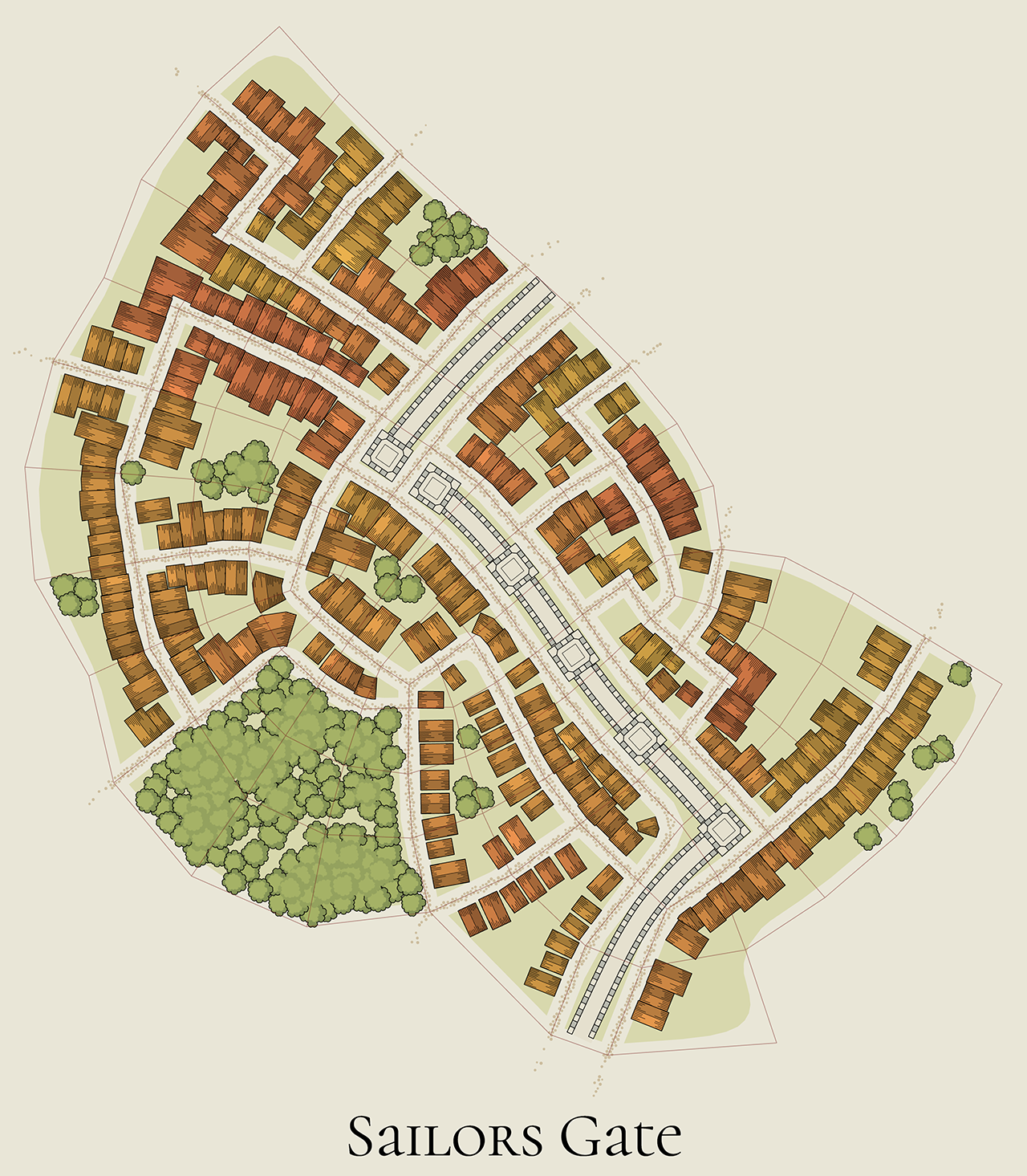
like this map... perhaps the areas to the south are on a hill. or the lake is in a crater at the top of a hill?
The method I use to generate these maps cannot take a height map as input, so creating a height map (of a hill for example) first and then aligning streets to it is not an option here. Overlaying the streets with some kind of elevation markers (e.g. contour lines, as you suggested) IS an option, and I'll probably try this in the future, but not anytime soon.
If elevation is important for you, you can try using Village Generator with its hachures and shaded ground.
awesome, thank you!
Awesome tool for the toolbox!
this could easily become my go-to tool for environments if it exported svg, but this is amazing as is!
It does
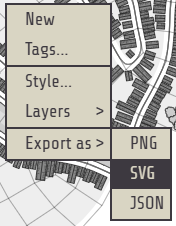
Oh maaaaaaaan! I donno how I missed that! go-to accomplished
edit: Actually I know how I missed that! I was reading the controls and saw export as png, but not svg. I didn't even check the dropdown! Aaaa
I just added that :)
This is a super fun tool. I'm always impressed by how smoothly and flawlessly your generators function.
Awesome! When I couldn't imagine another extremely useful tool, you made one! Thank you!
Awesome tool. Used to run on my phone.
Good stuff!
Great builder! Simple and beautiful!
Brilliant as always
Wonderfull! And I know it's just a colour change at the moment, but it would be nice to have some kind of snow effect on trees and rooftops in the winter.
is this different from the neighborhood generator?
The subject is the same, the implementation is completely different.
I think the keys are backwards. 0 is generating large places and 9 is generating small ones.
You're right. Thanks!
Nice!!!
This is really cool!!!